Product Is Not a Dashboard: What I Learned Building Fleet Tracking
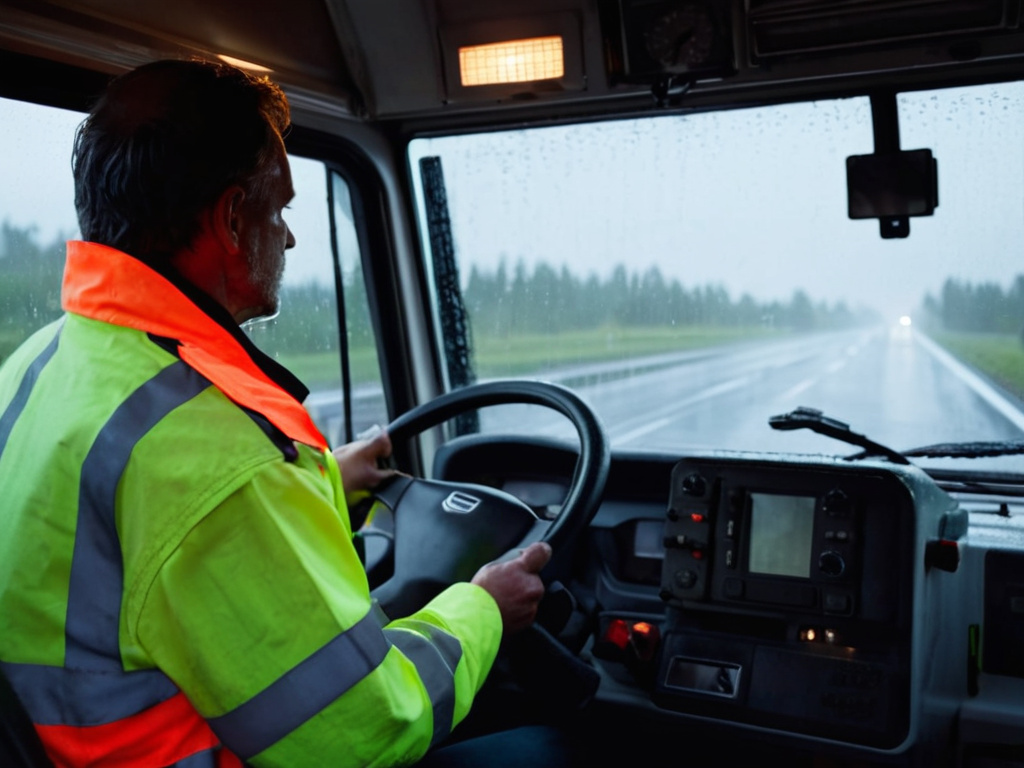
I built a vehicle tracking product that looked good on a laptop and still missed the point. The map showed real-time data. The markers updated. The reports filled a spreadsheet. Then I sat in the cab with a driver who had just been flagged for a late stop, and the alert said he was 11 minutes late. He showed me the engine hour meter. He had been waiting on a bridge for 9 minutes. The product was not wrong about the truck. It was wrong about the job.
Why the live map looked fine while the reports failed
The bottleneck was not the map. The map was the easiest part.
We ingested GPS pings every 10 seconds, but the alert engine batched records every 30 seconds to save bandwidth. The stop report used the last ping in the batch to calculate stop time. For a heavy vehicle, that meant a 30-second gap could hide a short stop, stretch an idle, or make a slow turn look like a violation.
The fleet management office needed stop reports, not just a moving dot. I have an MC license and I have trained drivers, so I know what a bad alert does. It does not improve driver safety. It makes the driver distrust the system. Once the driver stops believing the alert, the data stops being useful.
Where the data got lost
The old stop rule was simple:
- Speed below 5 km/h for 60 seconds.
- Engine state not used.
- GPS position updated every 30 seconds in the report layer.
- No distinction between idling, waiting, and a real stop.
That rule worked for a passenger car. It did not work for a 26-tonne rig waiting for a gate, a fuel nozzle, or a traffic light.
I rebuilt the product around the cab, not the office
I changed the product in three places: the data pipeline, the alert logic, and the antenna placement.
What I changed in the code
I stopped treating every telemetry ping as equal. The new stop rule used speed, engine state, and movement:
- Speed below 2 km/h.
- Engine off from the CAN bus.
- No movement for 20 seconds.
For idling, I used a separate rule:
- Speed below 2 km/h.
- Engine on.
- No movement for 5 minutes.
I moved the report batch interval from 30 seconds to 10 seconds for heavy vehicles. I added a 5-second debounce to avoid false starts when the truck crept over a speed hump. I also corrected the UTC offset in the OBD module, because one truck was reporting a stop 8 minutes late every time the driver parked in a shaded lot.
Why the antenna mattered
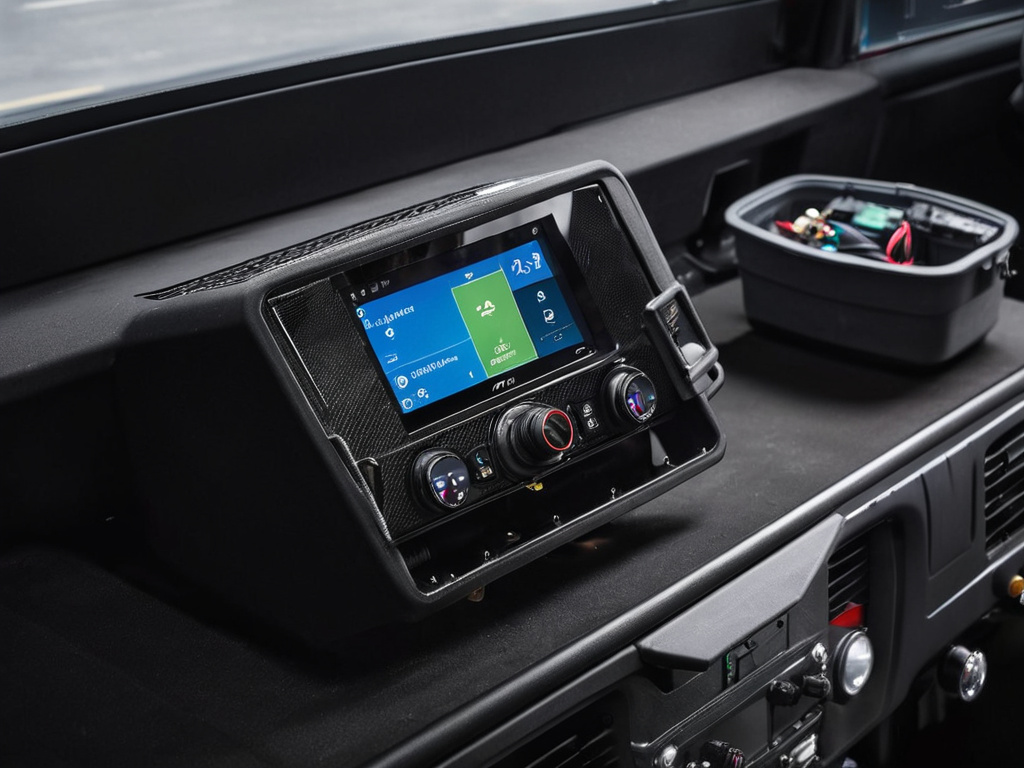
The truck I used for testing sat under tree cover for part of the route. The GPS position jumped 12 to 18 meters when the satellite signal reflected off the windshield. The alert engine saw that as movement, then stopped, then movement again.
I moved the antenna from the windshield to the roof. The position error dropped to under 4 meters in open sky. The map did not look much different. The reports became stable.
The numbers after 90 days
I ran the change on 14 heavy vehicles for 90 days. The fleet was a mix of concrete agitators, flatbeds, and box trucks. The route mix included city streets, industrial parks, and highway segments.
The hard numbers:
- False stop alerts dropped from 41% to 9%.
- Average time to flag a missed stop fell from 12 minutes to 4 minutes.
- Driver complaints about inaccurate alerts dropped from 7 per week to 1 per week.
- Report review time for the office fell from 25 minutes per vehicle per day to 9 minutes.
For heavy vehicle logistics, that difference matters. A report that takes 9 minutes to review is a report the office actually reads.
The lesson is not that GPS tracking is hard. The lesson is that a tracking product is a decision tool, not a map. If the data does not make the job easier for the guy behind the wheel, it is useless.
I keep the full pipeline notes on fleet-track.org if you want the raw details.